01 · Footprints
Understand every footprint.
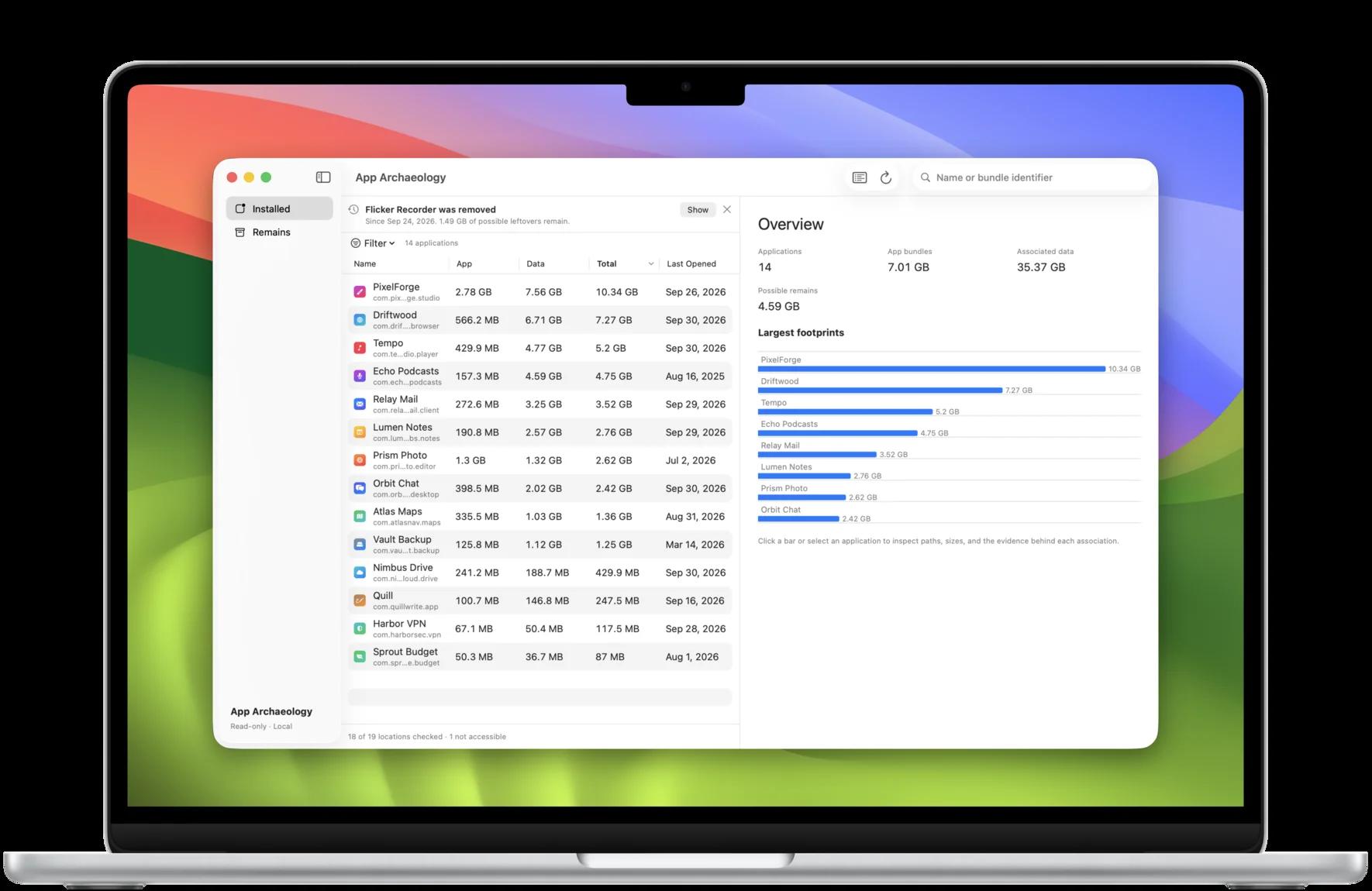
Compare application size, associated data, and total footprint. Inspect shared data and individual paths across caches, preferences, containers, Application Support, logs, web data, and other accessible artifacts.
Sizes are space on disk, so a sparse disk image counts only what it actually occupies. Storage shared through APFS clones can be counted more than once, so totals aren’t reclaimable space.
02 · Evidence
Follow the evidence.
Inspect why each path was associated with an app. Confirmed, Likely, Shared, and Uncertain states keep evidence and uncertainty visible. A possible match is not a fact; missing a match is preferable to attributing files to the wrong app.
03 · Remains
Find what apps left behind.
Explore possible remains: artifacts for which no corresponding installed application was found. They may still serve a purpose. “Remains” does not mean junk, definitively abandoned, or safe to delete. When an app disappears between scans, App Archaeology points to what it left.
04 · Coverage
Know what was actually scanned.
Scan Coverage reports checked, unavailable, inaccessible, or partial locations. Authorize read-only access to your Library with the native macOS folder picker. Some protected locations remain inaccessible; App Archaeology does not request Full Disk Access.
05 · Privacy
Private by design.
Read-only, entirely on your Mac. No account, ads, analytics, tracking, cloud or AI processing, or filesystem uploads. The application needs no network functionality and never deletes or modifies scanned files.
06 · macOS
Made for your Mac.
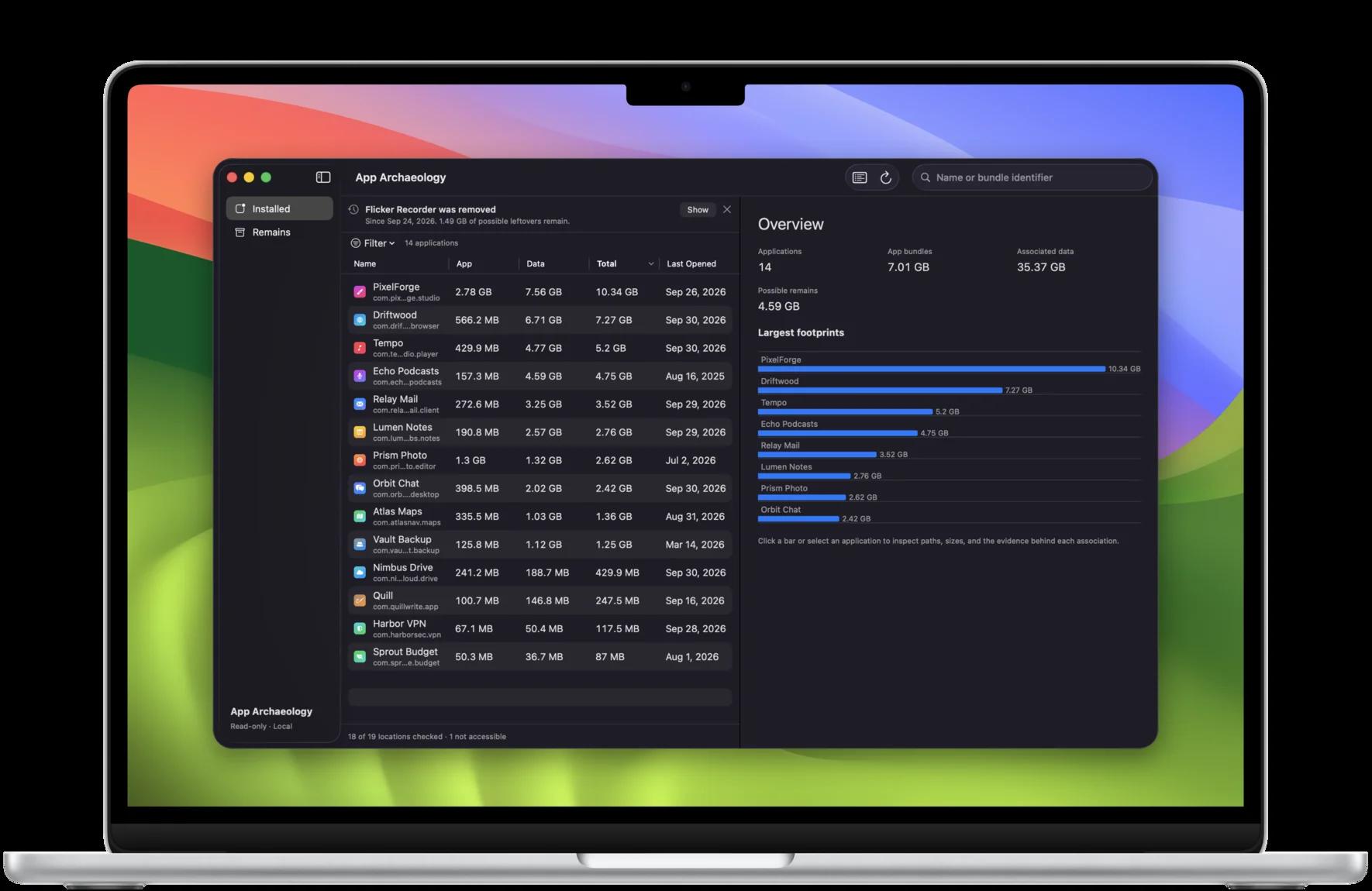
A native interface with light and dark appearance. Sort and filter your apps, see your largest footprints at a glance, reveal discovered items in Finder, and copy paths for a closer look.
Inspect. Understand.
Your files stay yours.
Apple, the Apple logo, Mac, macOS, and MacBook Air are trademarks of Apple Inc., registered in the U.S. and other countries and regions. App Store and Mac App Store are service marks of Apple Inc.